A shared family library
One private cookbook for the whole family. Add a recipe on your phone and it shows up on everyone else's instantly — no exports, no group chats, no lost screenshots.

Boxtro Kitchen is a private cookbook your whole family shares. Add the recipes you actually cook, plan the week together, and pull them up on the counter when it's time to eat — all in sync, on every device.
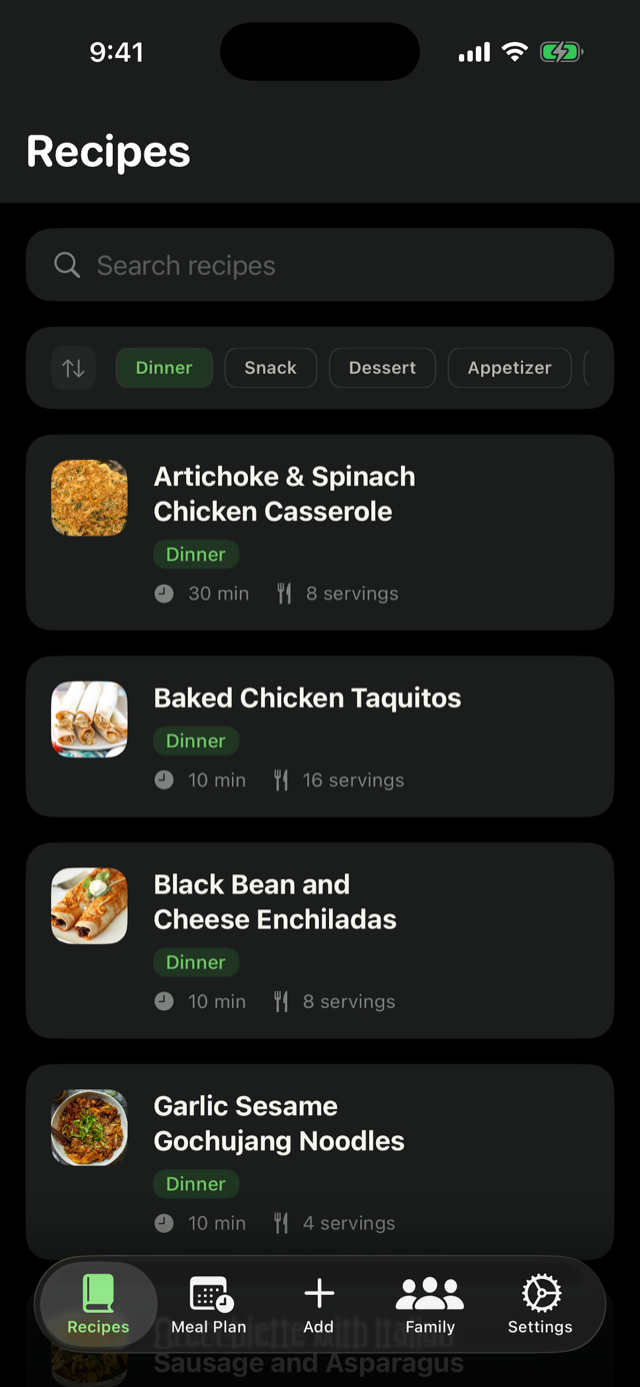
One private cookbook for the whole family. Add a recipe on your phone and it shows up on everyone else's instantly — no exports, no group chats, no lost screenshots.
Point your camera at a card from grandma or a torn-out magazine page. Boxtro reads the text, then pulls out the title, ingredients, and steps so you can save it cleanly.
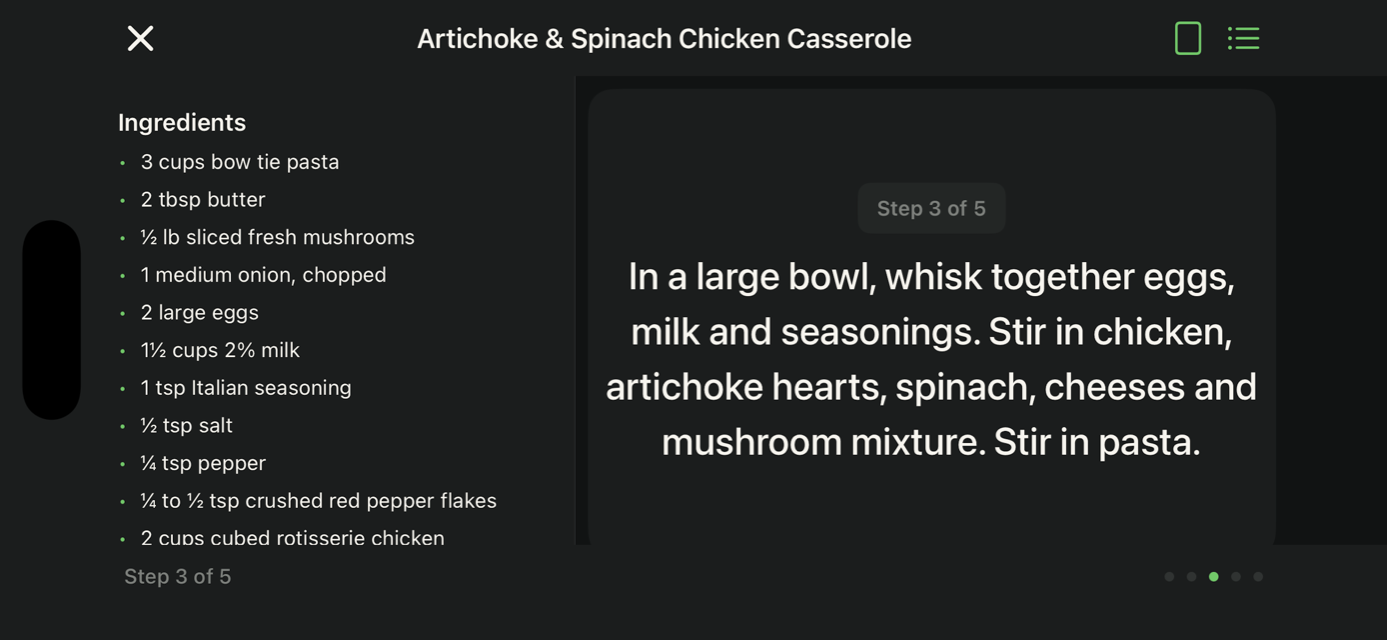
Turn your phone sideways and Boxtro switches into a landscape split view: ingredients on one side, steps on the other, large type, and the screen stays awake while you work.
Everyone in the family marks their own favorites. The library is shared; your shortlist is yours.
Sign in with Apple on iPhone, Google on Android, or use your email and a one-time code on either. Unlock the app with Face ID, Touch ID, or fingerprint — no password to remember if you don't want one.
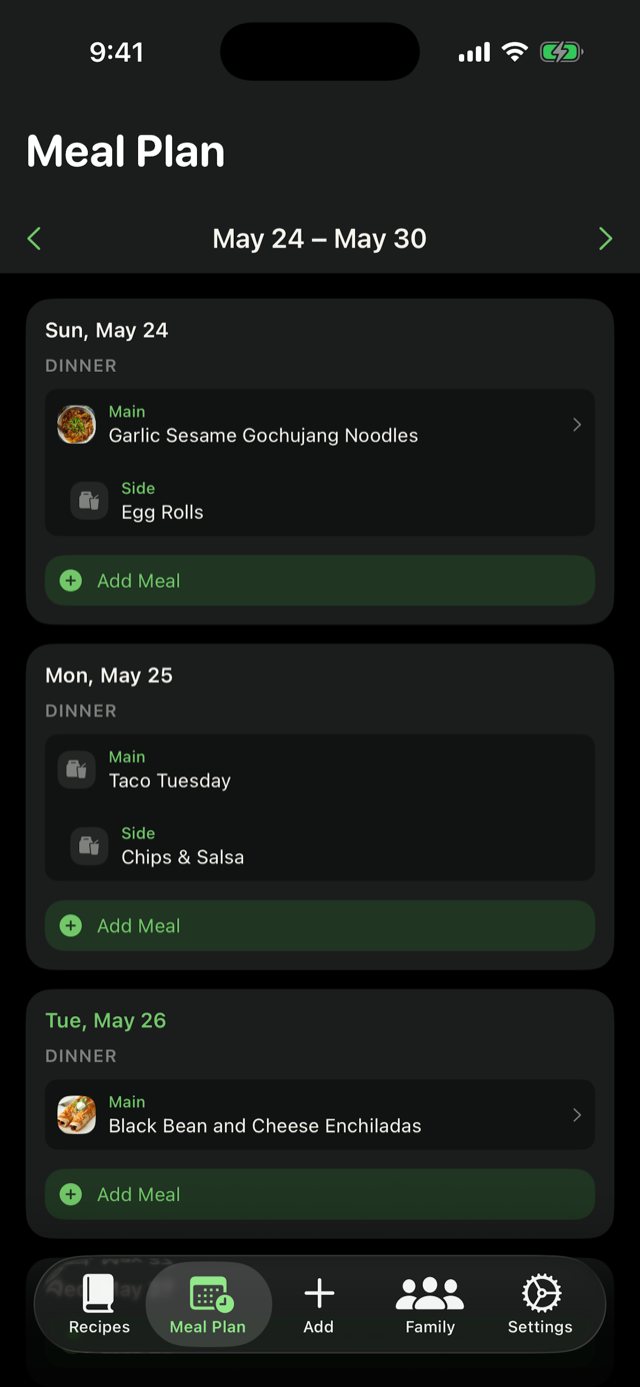
Coming soon. Drag recipes onto the week, and Boxtro turns the plan into a shopping list everyone can check off together in real time.
The moments that matter most in the kitchen.
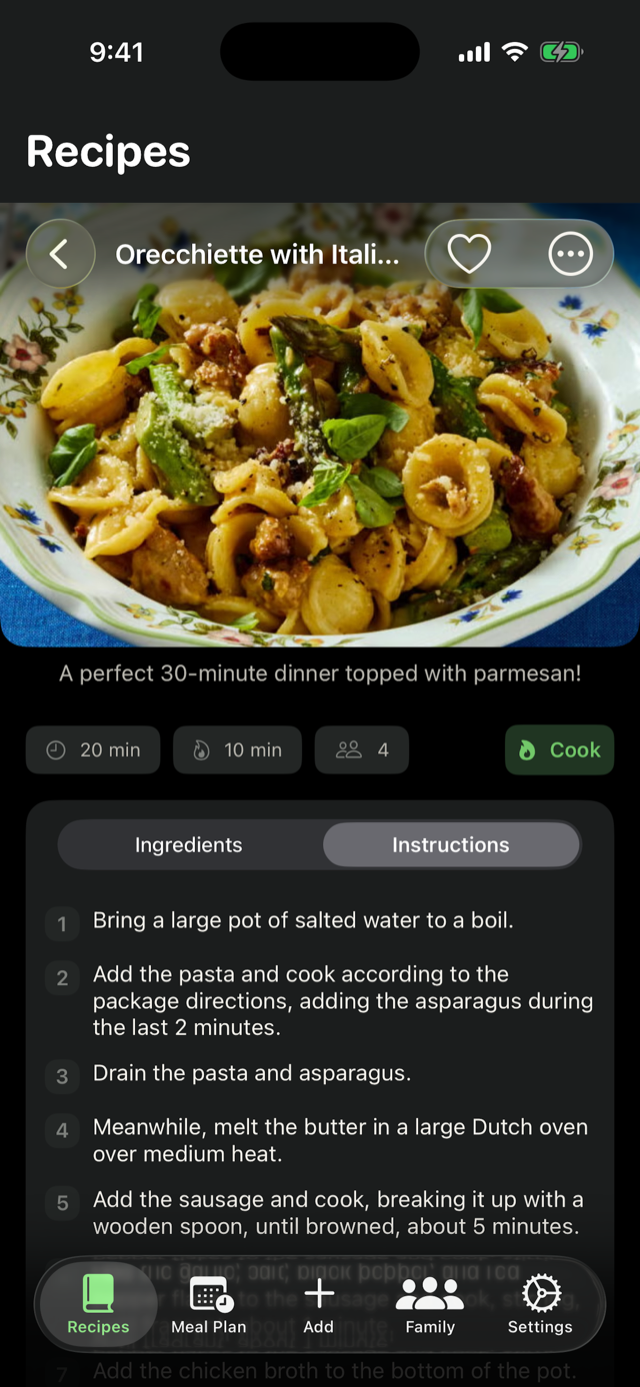
Cook mode is always landscape — phone propped up, ingredients on one side, steps on the other, big type you can read across the kitchen, and the screen stays awake while your hands are covered in flour.
Sign in with Apple, Google, your email and password, or a one-time code. Takes about twenty seconds.
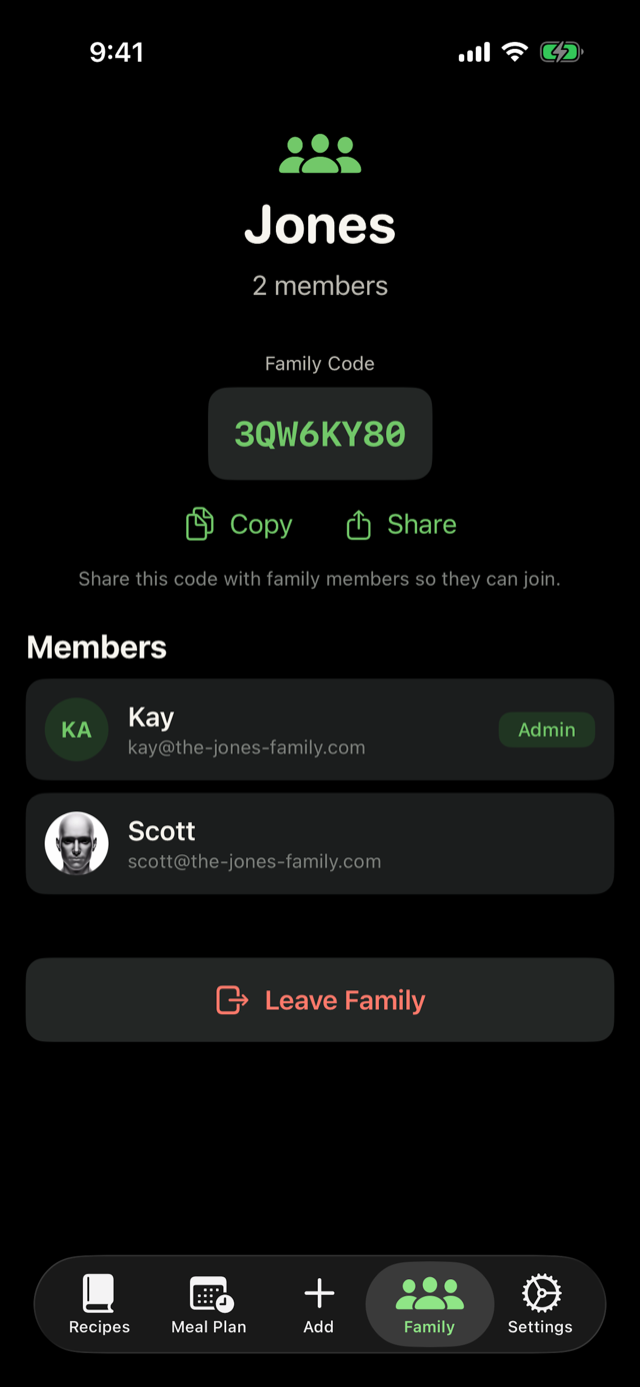
Start a family and share its 8-character code with the people you cook with. Anyone with the code joins instantly.
Type one in, paste from notes, or scan a paper card. Everyone in the family sees it the moment you save it.
Drag this week's recipes onto a shared calendar. Boxtro turns the plan into a shopping list everyone can check off together in real time at the store — no more "did you grab the garlic?" texts.
Boxtro Kitchen is launching on both — App Store for iPhone, Google Play for Android. Same family library, same private cloud, same realtime sync on whichever phone is closest to the stove.
Want a heads-up when each beta opens? Send us a note and we'll put you on the list.
Your recipes are visible to your family and nobody else. We don't sell data, we don't run ads, and there's no public feed. Read the privacy policy for the full details.